jconvolver 0.9.2 and zita-rev-0.2.1 for Mac OS X

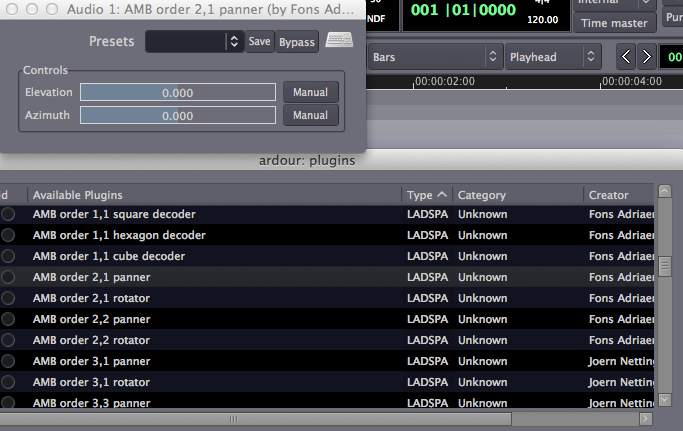
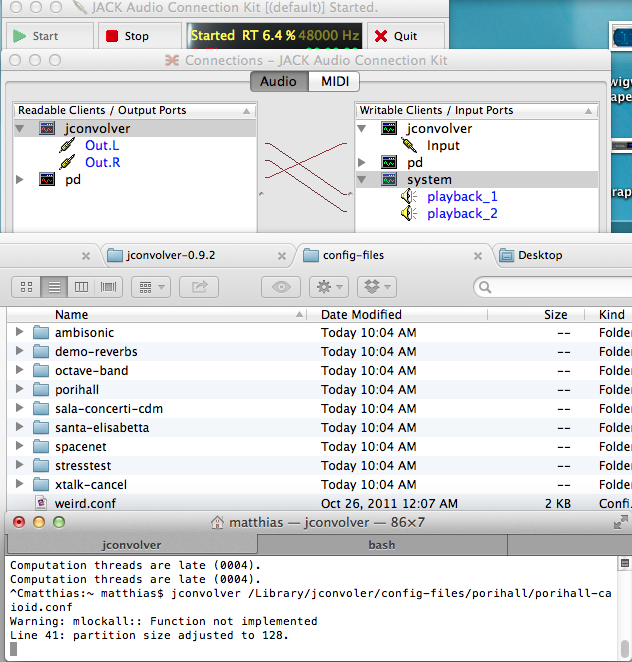
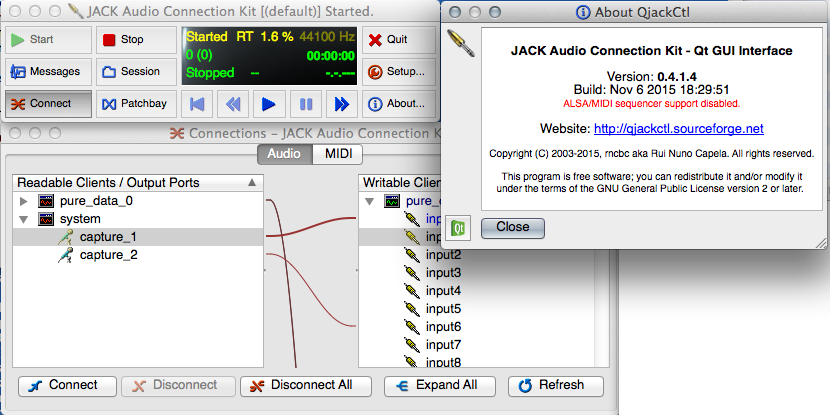
As addition to the Ambisonics Decoder, Microphone Processor and LADSPA Plug-Ins I compiled and packed the convolution software jconvolver 0.9.2 as easy-to-use installer for Mac OS X >=10.6.

This Jack client is a very flexible real-time convolution engine, including configurations for applying Multichannel Ambisonics reverb.

jconvolver-0.9.2-installer.pkg

You can find some additional Ambisonic reverb impulse responses here:
http://www.openairlib.net
http://people.bath.ac.uk/masrwd/sspaces/sciencespaces.html
http://space-net.org.uk

(C) Fons AdriaensenThe Jack Reverb Plug-In with Ambisonics mode zita-rev-1-0.2.1 is available here:

zita-rev1-0.2.1-installer.pkg

All developements by Fons Adriaensen:
http://kokkinizita.linuxaudio.org
Get more information about Ambisonics and Ardour in an article by Jörn Nettingsmeier.
Continue reading

DarwiinRemoteOSC Mountain Lion

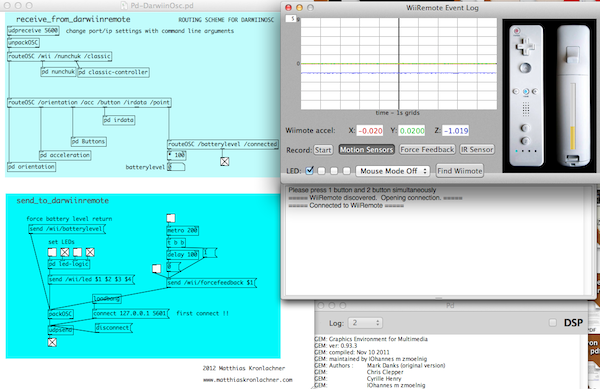
darwiinremote-oscI fixed the program DarwiinRemote for Mac OS 10.8 (Mountain Lion) and added Open Sound Control (OSC) support for the most recent version. Download it here:

DarwiinRemoteOSC-2012-12-24-09-47.dmg

DarwiinRemoteOSC allows to connect via Bluetooth to the WiiRemote controller. It also supports Nunchuk, Classic Controller and Balance Board.
All data from the Wii Controller is forwarded via OSC. IP and Port can be changed by command line argument. OSC can be sent to DarwiinRemoteOSC to turn on Force Feedback, LEDs and retrieve Battery status.

Sourcecode available on Github.

Continue reading

midi2rms – midi volume fader curve sampling

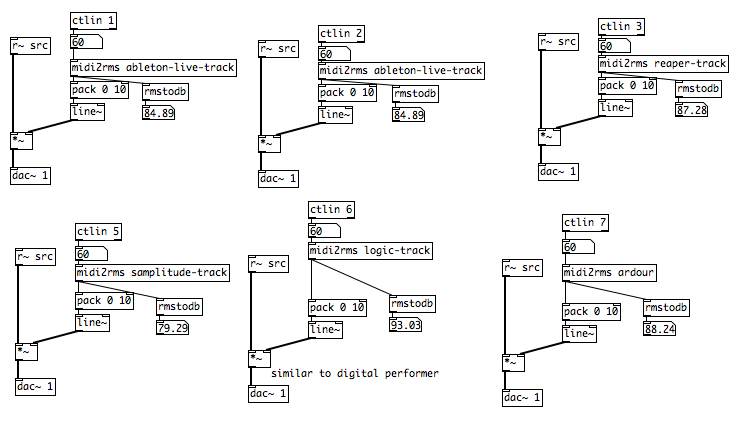
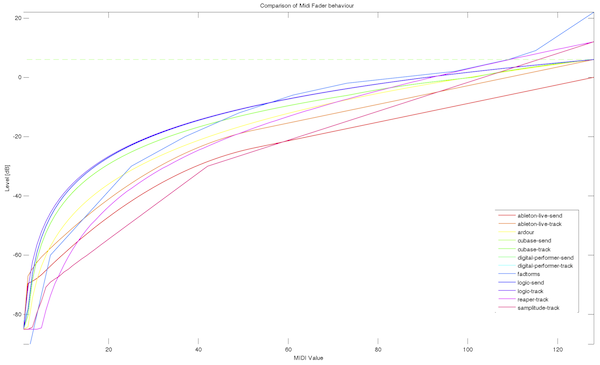
volume-behaviorA very crucial and maybe often underestimated point for working with (volume) faders, especially in live electronics application is their curve/behavior. Which range does it cover? How fast does “it” get “loud”. What is the behavior around the +0 dB mark?

I sampled the midi volume fader behavior from several of the most popular Digital Audio Workstations. The difference is quite obvious as you can see in the graph to the right.

pd-fader-behavior-screenshotI made a Pure Data abstraction as replacement for the frequently used [fadtorms] or [dbtorms]. In connection with the .txt sample files it can be used to scale your midi fader input.
Get the abstraction including sample files and Matlab plots here:

midi2rms_0.11.zip

mcfx v0.6.0 – multichannel audio plug-in suite

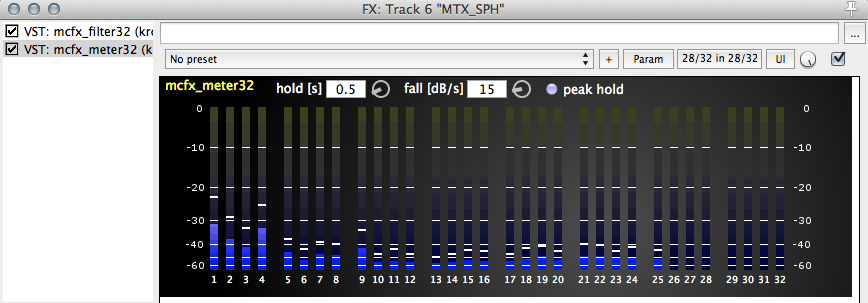
mcfx_meter32mcfx is a suite of multichannel VST plug-ins for MacOS, Windows and Linux
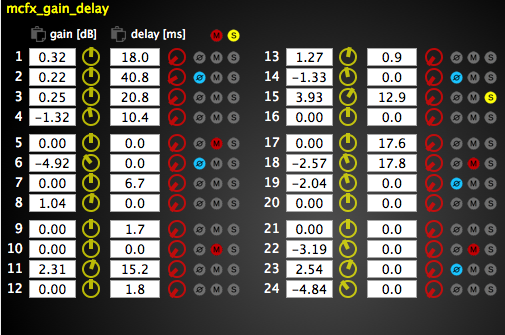
(mcfx_convolver, mcfx_delay, mcfx_filter, mcfx_gain_delay, mcfx_meter)

these plug-ins are very handy if you want to process multiple channels in one go for example
* multiple loudspeaker setups, Ambisonics (see ambiX)
* Microphone array post productions (eg. Eigenmike®)
….mcfx_filter_screenshot

currently high channel counts per track are only possible with the DAWs Reaper (Win, OSX) and Ardour (Linux, OSX)

– channel count is configurable with compile time flag
– cross plattform VST for MacOSX, Windows and Linux
– uses the JUCE framework (www.juce.com)
– ready to use binaries for MacOSX (≥ 10.7, 32/64 bit, Apple Silicon) and Windows (32/64 bit)mcfx_gain_delay_screenshot

Source code: https://github.com/kronihias/mcfx

VST Binaries: (2, 4, 8, 16, 24, 32, 36, 50, 64 channel version)


DOWNLOAD:

downloadDownload binaries from: https://github.com/kronihias/mcfx/releases


Additionally you can download some example first order B-format reverb presets for mcfx_convolver: mcfx_convolver_presets_v0.1.zip
Here is a help file explaining the .conf files.
Note that you have to use ambix_converter after the convolver and choose the preset .amb -> ambix in case you want to use those impulse responses in combination with ambix_decoder or ambix_binaural.

Continue reading

Headtracking for Binaural Ambisonic Playback

Low-Budget headtracker mounted on headphonesHere is a short tutorial about an inexpensive headtracking solution which you can use to improve the binaural listening experience with the ambix Ambisonic tools. The calibration software is currently Windows only, but the Pd patch is naturally cross-platform.

It uses the headtracker described here by Dennis Frie: http://www.rcgroups.com/forums/showthread.php?t=1677559
Parts: arduino nano, GY-85 sensor board.

A Pure Data patch provided by me receives the serial data from the Arduino based headtracker and sends OSC messages to the host of your choice. In this case I will describe the use within the digital audio workstation Reaper.

downloadFor the impatient, here is the Pure Data patch (use with Pd-extended):
pd-patch-headtracker-osc-sender


1)
First you have to get the Arduino and Sensor Board, some soldering and upload the firmware according to the instructions here.

Use the Axis Method for calibrationUse the provided Windows software to calibrate the tracker – for me the Axis Method works best. You might have to repeat the calibration from time to time.

2) Now you can use the Pd Patch I provide to communicate with the tracker. Use Pd-Extended to open it!
Download: pd-patch-headtracker-osc-sender
This patch will translate the serial data from the Arduino board to OSC messages.

reaper_control_surfaces3) Open up the Reaper preferences and add an OSC control surface. Important: Receive on port 8000 and Allow binding messages to REAPER actions and FX learn.

4) Add the ambix_rotator plug-in before ambix_binaural and use the OSC tracking data to control the parameters of ambix_rotator:
Click the Track Envelopes/Automation Button of thReaper Track Envelopes/Automatione Track with ambix_rotator to open up the Automation controls. Now click the Learn… Button next to the parameter Yaw.

Now you have to send a OSC message from the Pd patch to attach the correct message to Yaw, Pitch and Roll. Therefore don’t activate tracking yet (as it sends out all three messages Reaper OSC learn and Pd patchat once and thus does not allow to use the Learn functionality)
Instead click the buttons below OSC_LEARN in the Pd-patch to trigger single OSC messages.

5) You may have to change the serial port in Pd. First click the button list_dev to get a list of you serial devices. Enter the serial port id in the number box open_port.
Now you can activate head tracking and enjoy a stable binaural surround image. Use reset_orientation to define your zero degree direction.

Reaper libsndfile wrapper – allows to READ and WRITE more audio formats (eg. .paf, .mat, …)

reaper_libsndfilewrapperreaper_libsndfilewrapper adds import and export capabilites (reading/writing soundfiles) to the Digital Audio Workstation Reaper (www.reaper.fm) such as RF64 (eg. used by RME Digicheck, mh acoustics Eigenstudio®), .paf, .sf, .raw, …

Complete list of additionally supported file extensions: .au, .avr, .caf, .htk, .iff, .mat, .mpc, .oga, .paf, .pvf, .raw, .rf64, .sd2, .sds, .sf, .voc, .w64, .wve, .xi

Reaper Render using libsndfileBinaries download (easy to use installers)
downloadWindows 32 bit: reaper_libsndfilewrapper_win32
Windows 64 bit: reaper_libsndfilewrapper_win64
MacOSX (32/64 bit): reaper_libsndfilewrapper_osx

How-to:
Install the plugin and drag/drop former not-recognized audio files into the Reaper session.
In the Render dialog choose Output format: libsndfile and the wanted format. Be aware that not all formats support arbitrary channel counts!

Source code: https://github.com/kronihias/reaper_libsndfilewrapper

This software is licensed under the GNU LESSER GENERAL PUBLIC LICENSE (LGPL) license.
It uses libsndfile by Erik de Castro Lopo which is licensed under LGPL
http://www.mega-nerd.com/libsndfile/

Continue reading