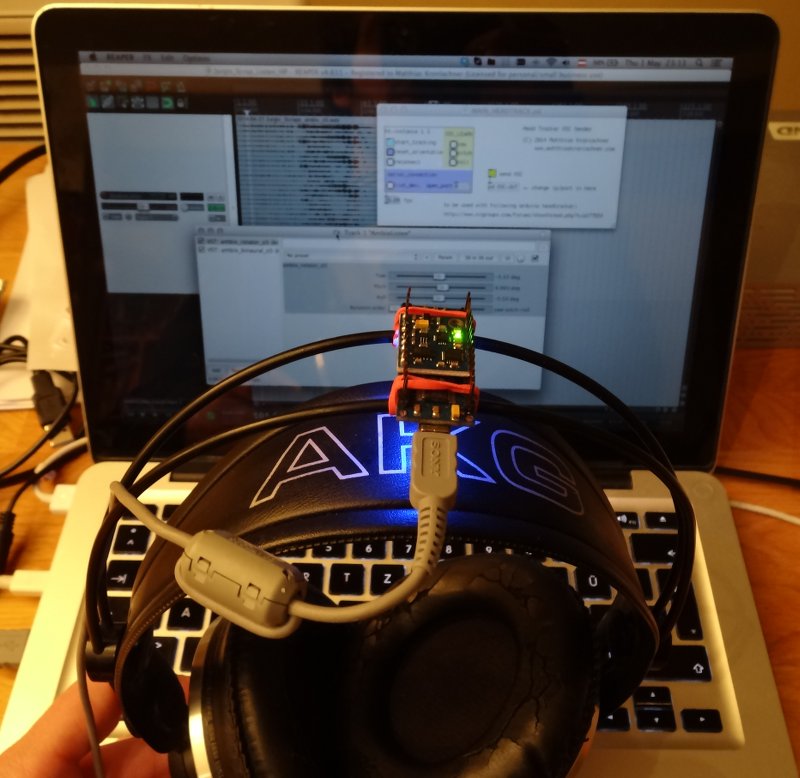
 Here is a short tutorial about an inexpensive headtracking solution which you can use to improve the binaural listening experience with the ambix Ambisonic tools. The calibration software is currently Windows only, but the Pd patch is naturally cross-platform.
It uses the headtracker described here by Dennis Frie: http://www.rcgroups.com/forums/showthread.php?t=1677559
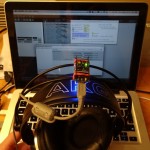
Parts: arduino nano, GY-85 sensor board.
A Pure Data patch provided by me receives the serial data from the Arduino based headtracker and sends OSC messages to the host of your choice. In this case I will describe the use within the digital audio workstation Reaper.
 For the impatient, here is the Pure Data patch (use with Pd-extended):
pd-patch-headtracker-osc-sender
1) First you have to get the Arduino and Sensor Board, some soldering and upload the firmware according to the instructions here.
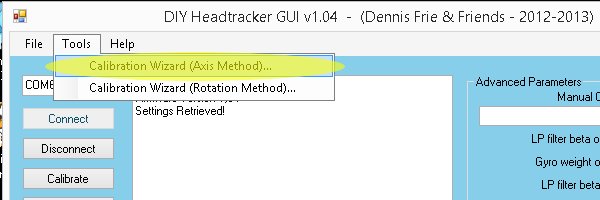
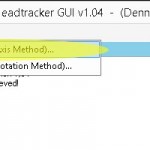 Use the provided Windows software to calibrate the tracker – for me the Axis Method works best. You might have to repeat the calibration from time to time.
2) Now you can use the Pd Patch I provide to communicate with the tracker. Use Pd-Extended to open it!
Download:
pd-patch-headtracker-osc-sender
This patch will translate the serial data from the Arduino board to OSC messages.
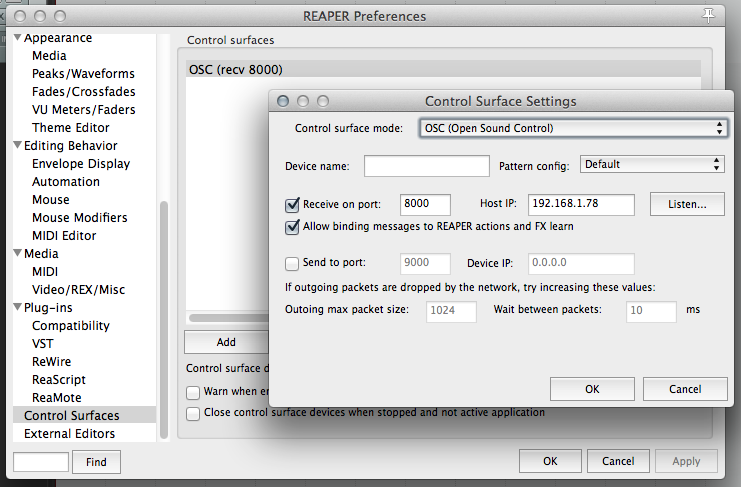
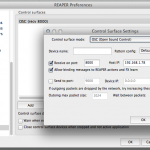 3) Open up the Reaper preferences and add an OSC control surface. Important: Receive on port 8000 and Allow binding messages to REAPER actions and FX learn.
4) Add the ambix_rotator plug-in before ambix_binaural and use the OSC tracking data to control the parameters of ambix_rotator:
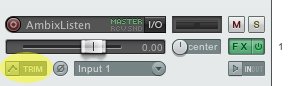
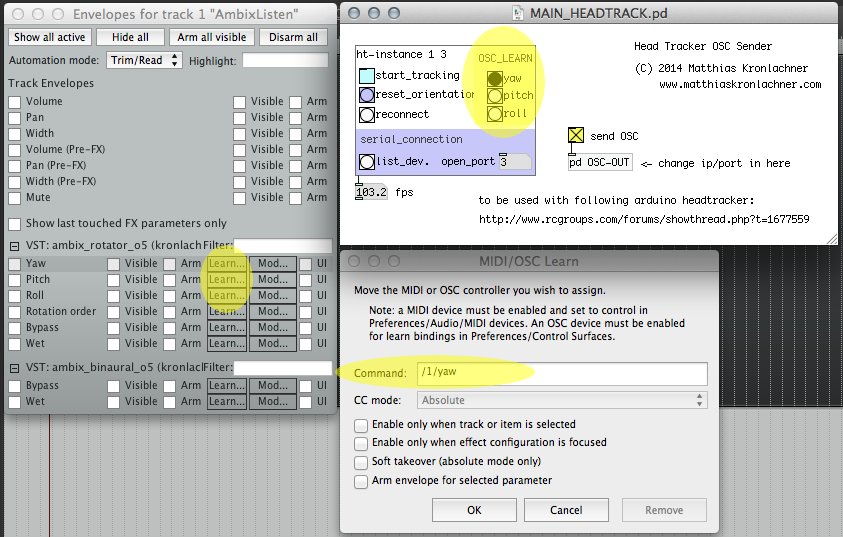
Click the Track Envelopes/Automation Button of th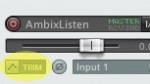 e Track with ambix_rotator to open up the Automation controls. Now click the Learn… Button next to the parameter Yaw.
Now you have to send a OSC message from the Pd patch to attach the correct message to Yaw, Pitch and Roll. Therefore don’t activate tracking yet (as it sends out all three messages 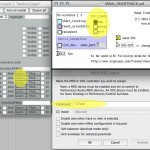 at once and thus does not allow to use the Learn functionality)
Instead click the buttons below OSC_LEARN in the Pd-patch to trigger single OSC messages.
5) You may have to change the serial port in Pd. First click the button list_dev to get a list of you serial devices. Enter the serial port id in the number box open_port.
Now you can activate head tracking and enjoy a stable binaural surround image. Use reset_orientation to define your zero degree direction.

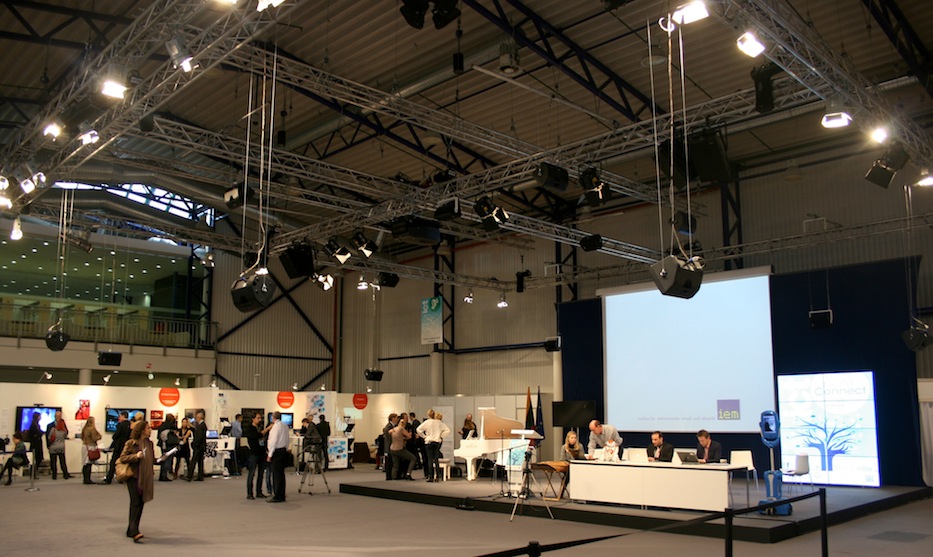 The Music Innovation Studies Centre Vilnius (MiSC) [1] in cooperation with the Institute of Electronic Music and Acoustics (IEM) Graz [2] received the award for the best art exhibit at the Information and Communication Technology fare from the European Commission in Vilnius.
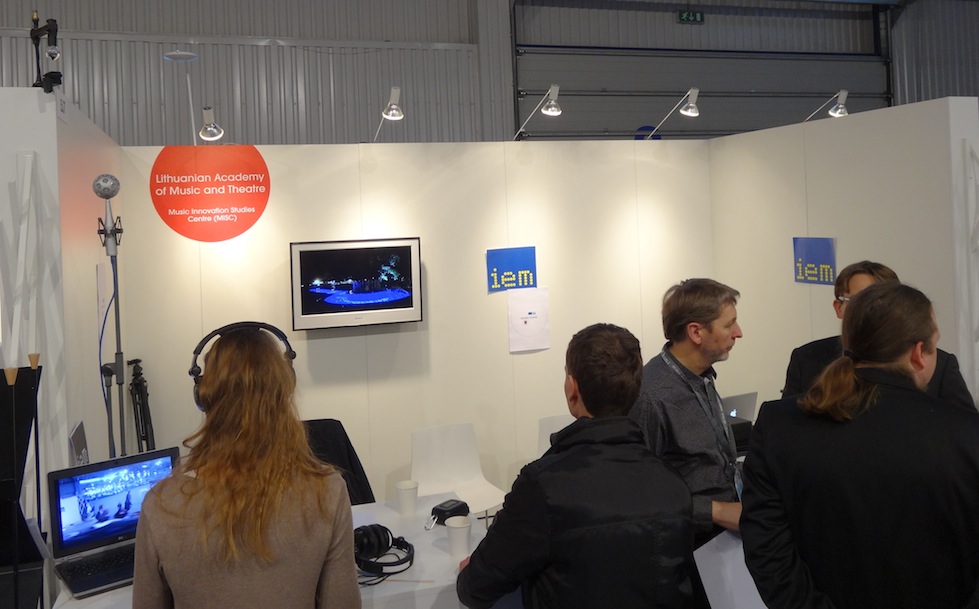 a [3] and Jurgis Jarašius on stage as well as the Eigenmike® beamforming in combination with the 360deg “extended view” [4] camera by Marian Weger and Peter Venus convinced the audience.