
mcfx_send and mcfx_receive – multichannel audio over the network
Two new plug-ins in the mcfx suite: mcfx_send and mcfx_receive stream lossless multichannel audio over a wired network – from one computer to another, or from one DAW to another on the same machine. Both also come as standalone apps, so no DAW is needed. Low latency, automatic discovery, optional password protection.
The goal: set up in seconds, no frills, it just works.
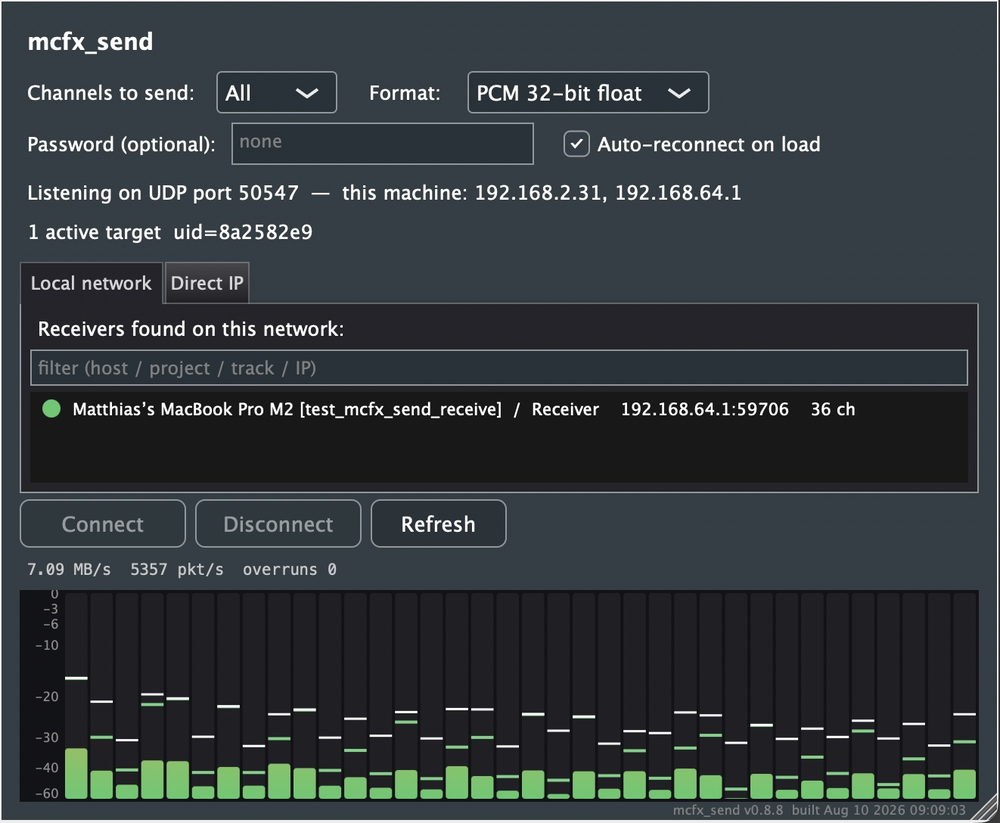
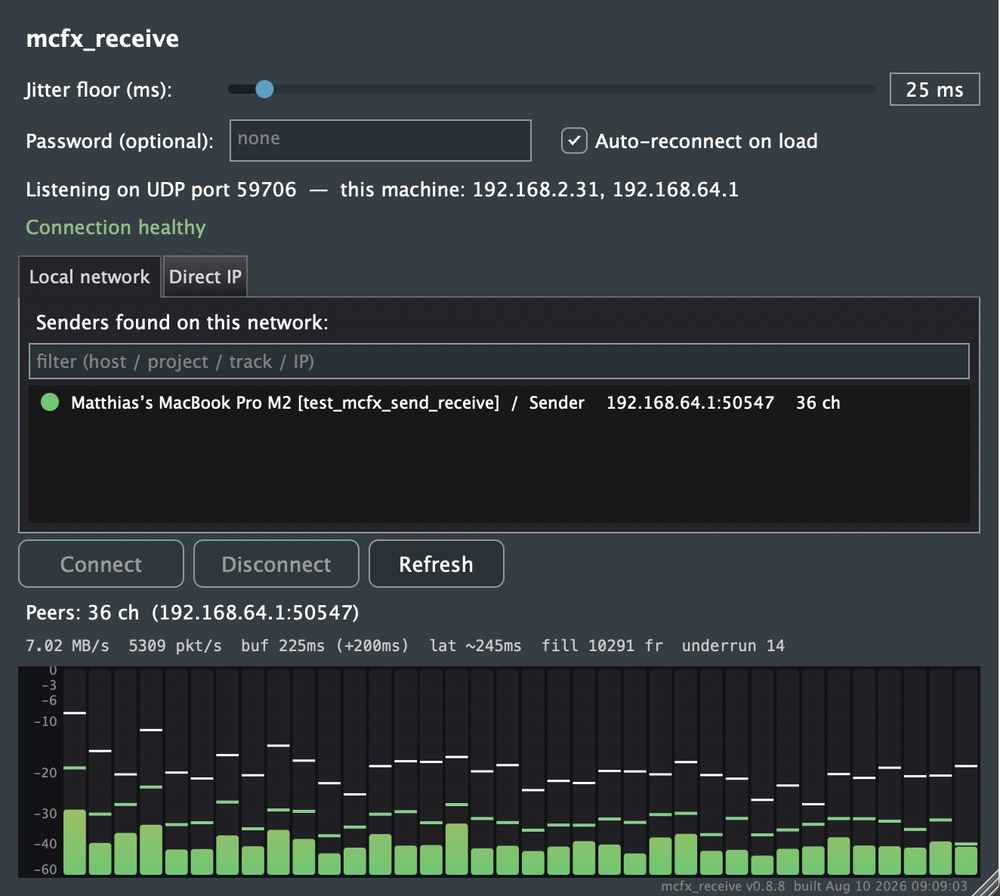
Why
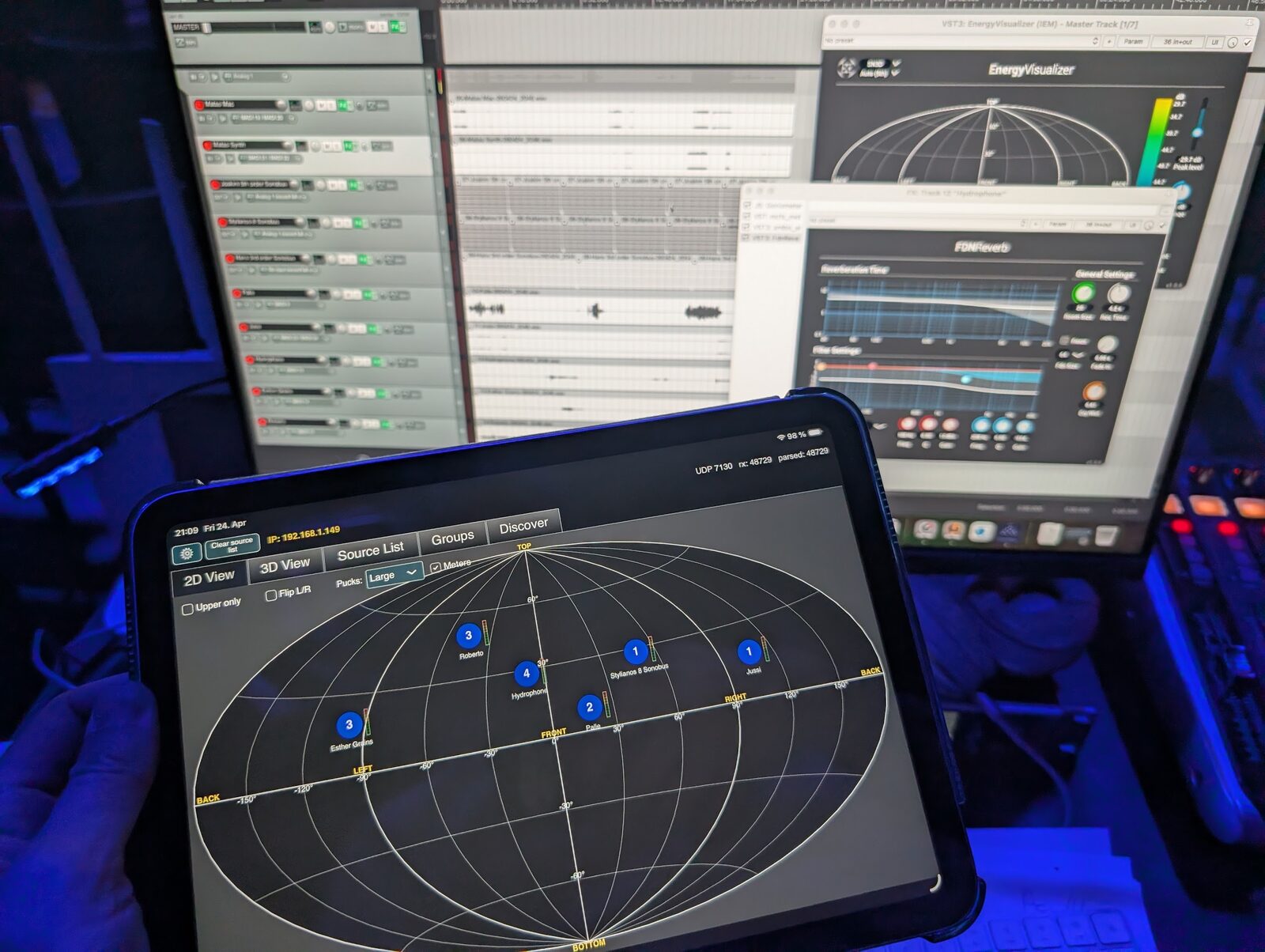
They were made for spatial audio jam sessions and concerts, where several people bring their laptops and everything has to end up on one loudspeaker system. Proprietary audio-over-network solutions caused a fair share of problems there: license trouble even after buying one, drivers that stop working after an OS update, endpoints that aren’t discovered. They are built for hardware units, not for laptops. JackTrip needs JACK; SonoBus does much more than needed and costs a lot of CPU.
A plug-in avoids all that: it runs in any DAW on macOS, Windows and Linux, and the standalone apps cover setups without one. The focus is on fast setup, without compromising on sound quality or latency.

How it works
- Insert mcfx_send where the audio comes from, mcfx_receive where it should arrive. They find each other on the network; double-click to connect, from either side. Machines on another subnet connect by IP address and port.
- Standalone apps work straight with the audio interface – e.g. to send one computer’s inputs to another, or to play a received stream directly on a loudspeaker system.
- Up to 64 channels per stream as VST3, 128 as AU or VST2, as 16-bit, 24-bit or 32-bit float PCM – uncompressed, so nothing is lost. One sender feeds up to 16 receivers; one receiver mixes any number of streams.
- Clocks don’t need to be synchronised. An adaptive resampler locks every stream to the receiver’s audio clock – no drift, no clicks.
- Adaptive jitter buffer: set a minimum latency (25 ms by default); on packet loss the buffer grows by itself and shrinks again once the network is clean. The current latency is shown per stream.
- Optional password keeps others on a shared network out. There is no encryption – lowest CPU load and latency come first – so don’t use it for sensitive audio.
- Robust in practice: reconnects when a project is reopened (even after an IP change), marks packets as high priority (DSCP EF / Wi-Fi voice), and works with REAPER’s anticipative processing and hosts that restart plug-ins mid-session. A cable is still the best choice.
Download
mcfx_send and mcfx_receive are part of mcfx since version 0.8.1 (May 2026); the current release is 0.9.1. Installers for macOS and Windows: github.com/kronihias/mcfx/releases.
The installers contain both the plug-ins and the standalone apps. The code is free and open source (GPLv3), and the technical details – wire protocol, discovery, the jitter buffer and rate-control algorithm – are documented in the READMEs of mcfx_send and mcfx_receive.